
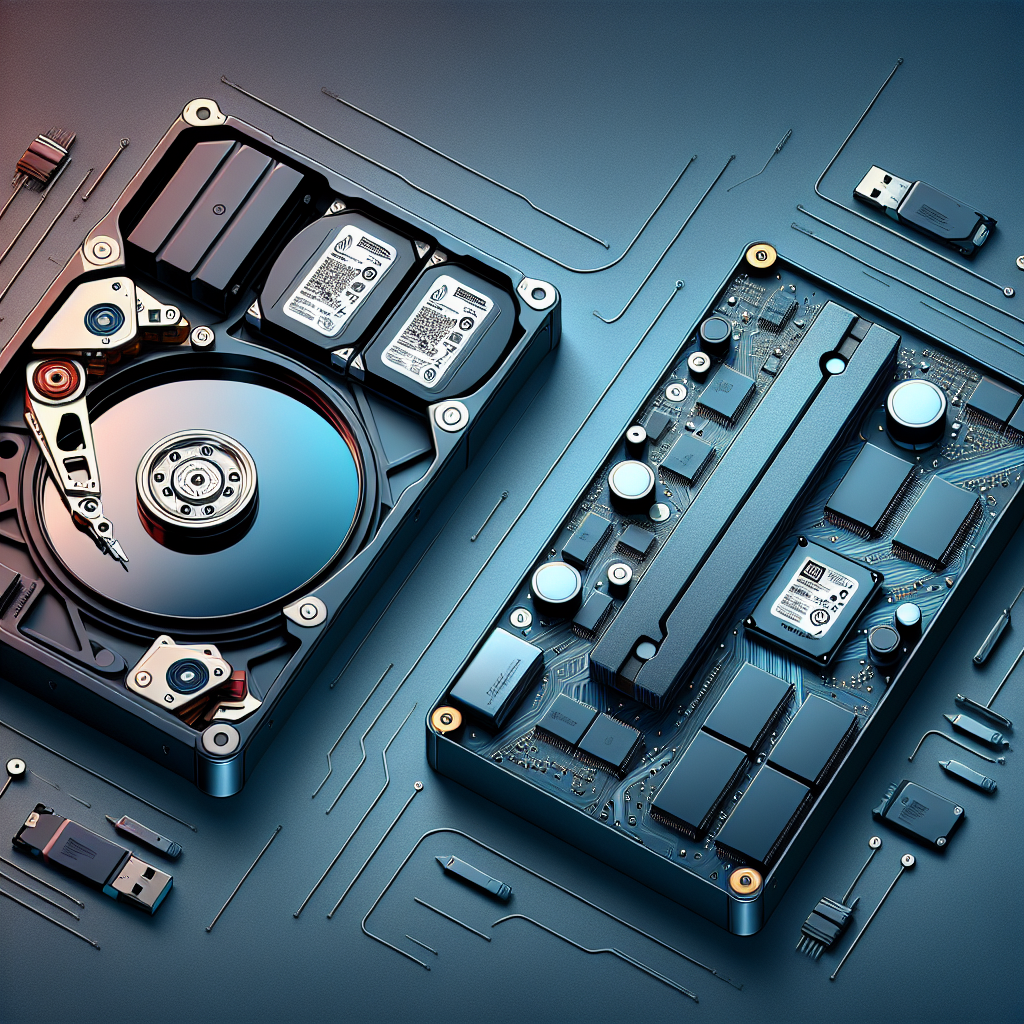
In the ever-evolving landscape of computer technology, choosing the right storage solution is crucial. Hard Disk Drives (HDD) and Solid State Drives (SSD) are the two primary options available, each with its own advantages and disadvantages. Understanding the differences between them can help consumers make informed decisions based on their specific needs.
Understanding HDD and SSD
Hard Disk Drives (HDD) have been the traditional storage solution for decades. They use spinning magnetic disks to read and write data, which makes them more affordable and available in larger capacities. However, these mechanical components can be prone to wear and tear over time.
On the other hand, Solid State Drives (SSD) are a newer technology that uses flash memory to store data. This means no moving parts, resulting in faster data access speeds, greater durability, and less power consumption. However, SSDs are typically more expensive per gigabyte compared to HDDs.
Performance and Speed
Performance is a major differentiator between HDDs and SSDs. SSDs are significantly faster, which translates into quicker boot times, faster file transfers, and smoother multitasking. This speed advantage is particularly beneficial for tasks such as video editing, gaming, and running complex applications.
Conversely, while HDDs are slower, they are sufficient for everyday computing tasks like web browsing, document editing, and media playback. For users on a budget, the cost savings of HDDs might outweigh the benefits of speed.
Durability and Reliability
Because SSDs have no moving parts, they are less susceptible to physical damage from drops or shocks. This makes them ideal for portable devices like laptops. HDDs, with their mechanical components, are more vulnerable to such impacts, which can lead to data loss.
However, it’s worth noting that both HDDs and SSDs have finite lifespans. HDDs generally wear out due to mechanical failure, whereas SSDs degrade with each write operation. Regular backups are essential regardless of which storage type you choose.
Capacity and Cost
HDDs typically offer larger storage capacities at a lower price point, making them an attractive option for users needing to store vast amounts of data, such as video files or extensive photo libraries. For example, a 1TB HDD is often cheaper than a 500GB SSD.
SSDs, while more expensive, are rapidly decreasing in price as technology advances. They are available in various capacities, but users will generally pay more for larger SSDs compared to HDDs of equivalent size.
Energy Efficiency
One of the often-overlooked benefits of SSDs is their energy efficiency. They consume less power than HDDs, which can lead to longer battery life in laptops and reduced electricity costs in desktops. This makes SSDs a greener choice for environmentally-conscious consumers.
Which Should You Choose?
The choice between an HDD and an SSD largely depends on individual needs and budget. For users requiring large storage capacities at a lower cost, HDDs remain a viable option. They are particularly suited for backup storage and less demanding computing tasks.
For those who prioritize speed, durability, and energy efficiency, SSDs are the superior choice. They are ideal for power users, gamers, and professionals who often work with large files and complex applications.
Conclusion
In conclusion, both HDDs and SSDs have their place in the modern computing world. By understanding the strengths and weaknesses of each, consumers can make informed decisions that best suit their storage needs and budget constraints. As technology continues to evolve, the gap between these two storage solutions may narrow, offering even more options for users in the future.
Leave a Reply